Why Your Tracking Number Says "Not Found"
Updated 2026-08-029 min readTracking numbers
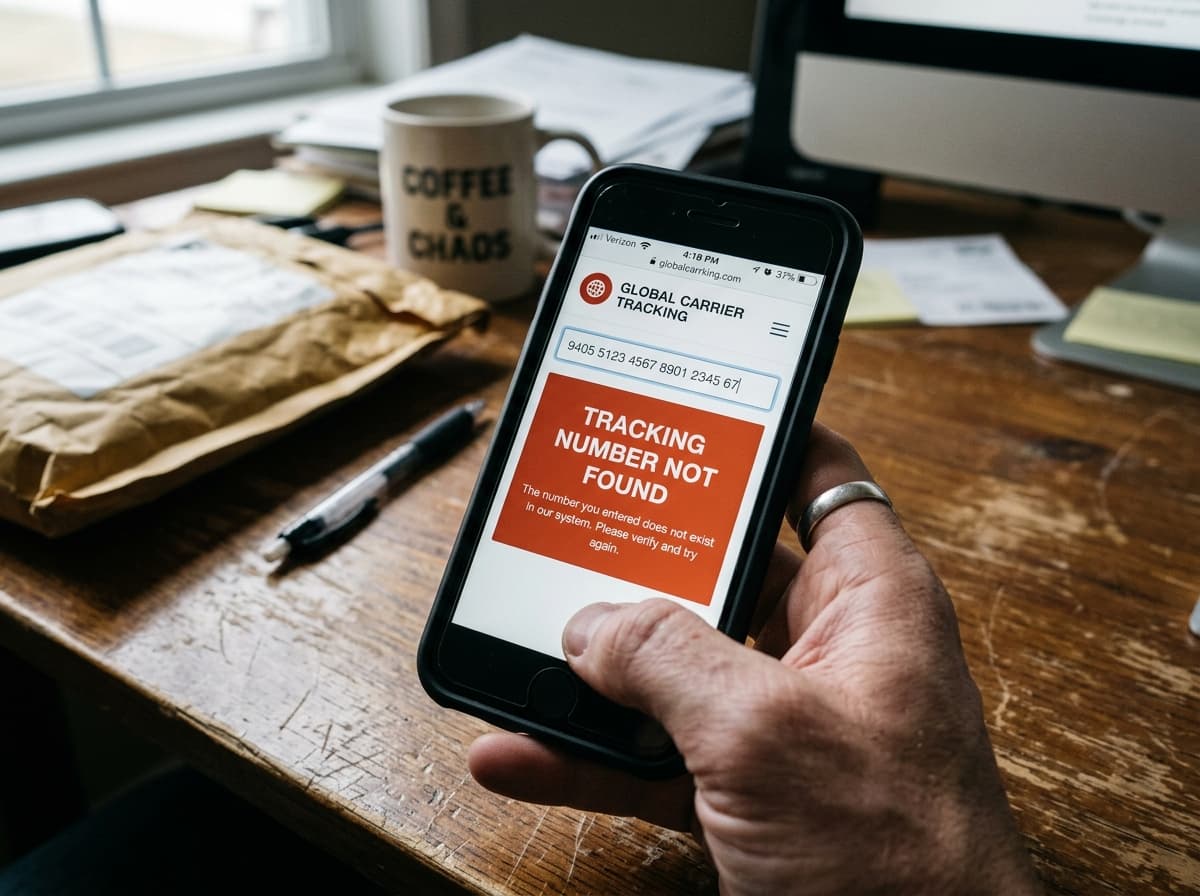
A tracking number that returns nothing feels like bad news. It usually isn't. In the large majority of cases the parcel is fine and one of four ordinary things is happening.
The trick is telling them apart, because the fix for each is completely different — and only one of them involves contacting anybody.
The four reasons, in order of likelihood
Work through these in order. The first two account for most cases.
The label is too new. A number exists the second the shop prints a label, but there's nothing to display until somebody physically scans the parcel. That first scan normally lands 24 to 48 hours later.
You're looking at the wrong code. Order numbers and tracking numbers sit near each other in confirmation emails and look alike. This is the single most common user-side cause.
The parcel never left the shop. The label printed, the parcel didn't go. Common with small sellers who print labels as orders come in and hand everything to the courier once a week.
The number has aged out. Carriers purge tracking data after 30 to 120 days. An old number that used to work now returns nothing because the record is gone.
Reason one: the label is younger than the first scan
This is the one to rule out first, because it needs no action at all.
Shipping software prints a label and registers the number with the carrier at the same moment. At that point the carrier knows a parcel is expected. Nobody has touched it.
Some carriers show this state as "Label created" or "Info received." Others show nothing, which feels much worse but means exactly the same thing. USPS is fairly good about showing a pre-scan status; several Chinese consolidators show nothing at all until the parcel is physically in a warehouse.
Wait window: three working days from the dispatch email. Under that, there is nothing wrong and nothing to do.
Bear in mind the dispatch email is often automatic. Plenty of shops fire it when the label prints rather than when the parcel leaves, so "shipped" can mean "printed a sticker."
Reason two: it's an order number
Worth checking properly, because it costs ten seconds and explains a surprising share of failed lookups.
An order number belongs to the shop. It exists so their system can find your purchase, and the carrier has never seen it. Formats like ORD-88213, 112-4829471-2201856 or a plain six-digit number are almost always order references.
A tracking number comes from the carrier and has a recognisable shape — 1Z and 18 characters for UPS, 12 digits for FedEx, 20-plus digits for USPS, or two letters plus nine digits plus a country code for international post. Our guide on reading a tracking number covers the shapes in detail.
If your code doesn't match any known carrier format, you're probably holding the wrong one. Look further down the same email, or open the order page in your account, where marketplaces keep the number separately labelled.
The transcription problem
If you typed the number from a paper receipt rather than pasting it, check these pairs:
Zero and the letter O. One and the letter I. Five and S. Eight and B. Two and Z.
Thermal receipts fade badly within weeks, and a half-faded character is a coin flip. Retype the number from the original email if you have it, and always paste rather than type.
Reason three: the parcel is still in the warehouse
If you're past three working days and there are still zero scans, the parcel probably hasn't entered the network.
The signal is specific: no scans at all, rather than scans that started and stopped. A parcel that's genuinely lost in transit has a scan history that goes quiet partway through. A parcel that never shipped has nothing.
This is a shop problem, not a carrier problem, and contacting the carrier wastes your afternoon. They can't locate something that was never handed to them. Their systems will simply confirm the number is registered and awaiting collection.
Message the seller and ask one direct question: has the parcel physically been collected by the carrier, or is the label printed and waiting? That phrasing matters — "has it shipped?" gets you "yes, here's your tracking number" and you're back where you started.
Warning: on marketplaces, this is also the point where a small number of sellers print a label to mark the order as dispatched and stop the clock on delivery guarantees, without ever sending anything. Persistent zero-scan tracking past a week is grounds to open a dispute.
Reason four: the number has expired
Carriers don't keep tracking events forever. Most hold them for 30 to 120 days after the final scan, then delete them.
The tell is obvious: the number worked before and doesn't now. It'll return nothing on this site, on the carrier's own website, and anywhere else, because the record no longer exists.
There's no way to recover it. If you need proof of delivery for a warranty, a tax record or a dispute, screenshot the tracking page while it still works. This rule is invariably discovered at the exact moment the evidence is needed.
What "not found" looks like on different carriers
Carriers handle the empty state differently, and knowing your carrier's habit saves a lot of second-guessing.
USPS is relatively informative. A registered but unscanned number returns "Pre-Shipment Info Sent to USPS," which at least confirms the label is real.
UPS shows "Label Created" with a date, so you can see exactly how long the parcel has been waiting for collection.
FedEx usually shows "Shipment information sent to FedEx" for pre-scan parcels, then switches to a location once collected.
DHL Express often shows nothing at all until the first physical scan, which makes a perfectly normal 24-hour wait feel like a failure.
Chinese consolidators — Cainiao, 4PX, YunExpress — typically show nothing for the first three to seven days, because the parcel is sitting in a consolidation warehouse waiting for a container to fill. This is the single biggest source of "my tracking number doesn't work" complaints, and it's normal.
So a blank result from DHL after twelve hours means nothing. A blank result from UPS after four days means something.
Marketplace orders behave differently
If you bought from AliExpress, Temu, Shein or eBay, three extra things can produce an empty result.
The number is a placeholder. Sellers on some platforms generate a tracking number at the moment they mark an order as shipped, partly to stop the platform's dispatch clock. The parcel may not be packed yet.
The order split into several parcels. Multi-item orders often ship separately, and each parcel gets its own number. The one you're checking might be for the item that hasn't left yet, while another has already arrived.
The number was updated and you have the old one. Sellers replace numbers when a shipment is rebooked, and the platform usually doesn't email you about it. Always check the order page in your account rather than the original email — our guide on tracking an AliExpress order covers where to look.
An escalation timeline that actually works
Rather than checking daily and worrying, work to fixed dates.
Day 0 — dispatch email received. Do nothing. Note the date.
Day 3 — still nothing. Confirm you're using the right code, not an order number. Try the home page tracker with the carrier field empty so a wrong carrier selection can't be the cause.
Day 5 — still nothing. Message the seller with one specific question: has the parcel physically been collected by the carrier, or is the label printed and waiting? Ask for the collection date.
Day 10 — still nothing, or an evasive reply. Open a dispute through the marketplace or your payment provider. You can withdraw it if the parcel appears, and filing early costs you nothing.
Day 30 onward. Check the buyer protection deadline on the order page. Most marketplaces close disputes 60 to 90 days after dispatch, and a closed window can't be reopened.
That timeline turns an open-ended worry into four decisions, which is far less exhausting than refreshing a page.
Handovers that look like failures
One more cause worth knowing, because it produces a not-found result that isn't your fault.
International parcels change carriers. The operator that flies it out of the origin country hands it to a domestic one for the last few miles, and the new carrier issues its own number. Track the old number with the new carrier and you get nothing, because they've genuinely never seen it.
You'll spot this when the original number's last scan says something like "Departed origin country" or "Handed to local carrier." The second number usually appears on the shop's order page rather than in your email. Our guide on tracking that stops updating covers what to do when there's no second number to find.
Ruling it out in two minutes
Run through this before deciding anything is wrong:
- Is the dispatch email under three working days old? Then wait. Nothing is broken.
- Does the number match a real carrier format? If not, you've copied the order number.
- Zero scans, or scans that stopped? Zero points at the shop. Stopped points at transit.
- Did it work before? Then it has expired, and the data is gone.
Whatever the answer, paste the number into the tracker on our home page with the carrier field left empty first. The lookup tests it against every carrier whose format matches, which rules out "you picked the wrong carrier from the drop-down" as a cause in one step.
When the seller is the problem
Most empty results are innocent. A small share are not, and it is worth knowing the pattern.
Some sellers upload a tracking number to mark an order as dispatched without shipping anything. It stops the platform's dispatch clock, keeps the listing's metrics clean, and buys them time. From your side the number simply never scans.
The signals are fairly consistent. The number never produces a single scan, not even a label-created event. The seller responds to the first message with a generic request to wait. A second message gets a request to extend buyer protection. The number sometimes gets replaced with a different one that also never scans.
If you see two or more of those, stop negotiating and open a dispute. Marketplaces refund from the seller's held funds, and filing early costs you nothing — a dispute can always be withdrawn if the parcel turns up.
Making it less likely next time
A few habits remove most empty-result frustration before it starts.
Screenshot the tracking number when you get it. Emails get deleted, marketplace order pages archive after a few months, and thermal receipts fade to blank within weeks. A photo on your phone survives all three.
Copy, never retype. Nearly every transcription error is one of five character pairs, and pasting eliminates all of them.
Check the order page, not the email. Marketplaces update the number in your account when a shipment is rebooked and frequently do not email about it. The account page is the current version; the email is a snapshot.
Note the dispatch date. Almost every "it does not work" question is answered by knowing whether the label is two days old or two weeks old, and people rarely remember.
Save the buyer protection deadline. Write it in a calendar when the order ships. It is the only date that genuinely cannot be recovered once it passes.
What to do next
If you're inside the wait window, do nothing. Genuinely. Most people contact the seller on day one and get a copy-paste reply that helps nobody.
Past three working days with no scans, message the seller with the specific question above. Past a week, escalate through the marketplace rather than the seller.
And if the number does start working, read the status against what it actually means rather than what it sounds like. The status table on our home page gives the normal wait window for each state, so you'll know whether the next silence is routine or worth chasing. Most of the time, it's routine.